Home
Go back to application
Home
Go back to application
Prov Candidate Console
Introduction
Getting Started
Sign UpLoginForgot Password
Profile, Help and Support
Change Profile PhotoAccess Help SectionSupport
Register for Exam
Register for Exam
Permissions and System Requirements
PermissionsDevice Compatibility for Remote ExamSystem Check
Schedule an Exam
In-Person TestingRemote TestingPayment
Exam Day
Check Exam RulesExam Day User Guide

Login

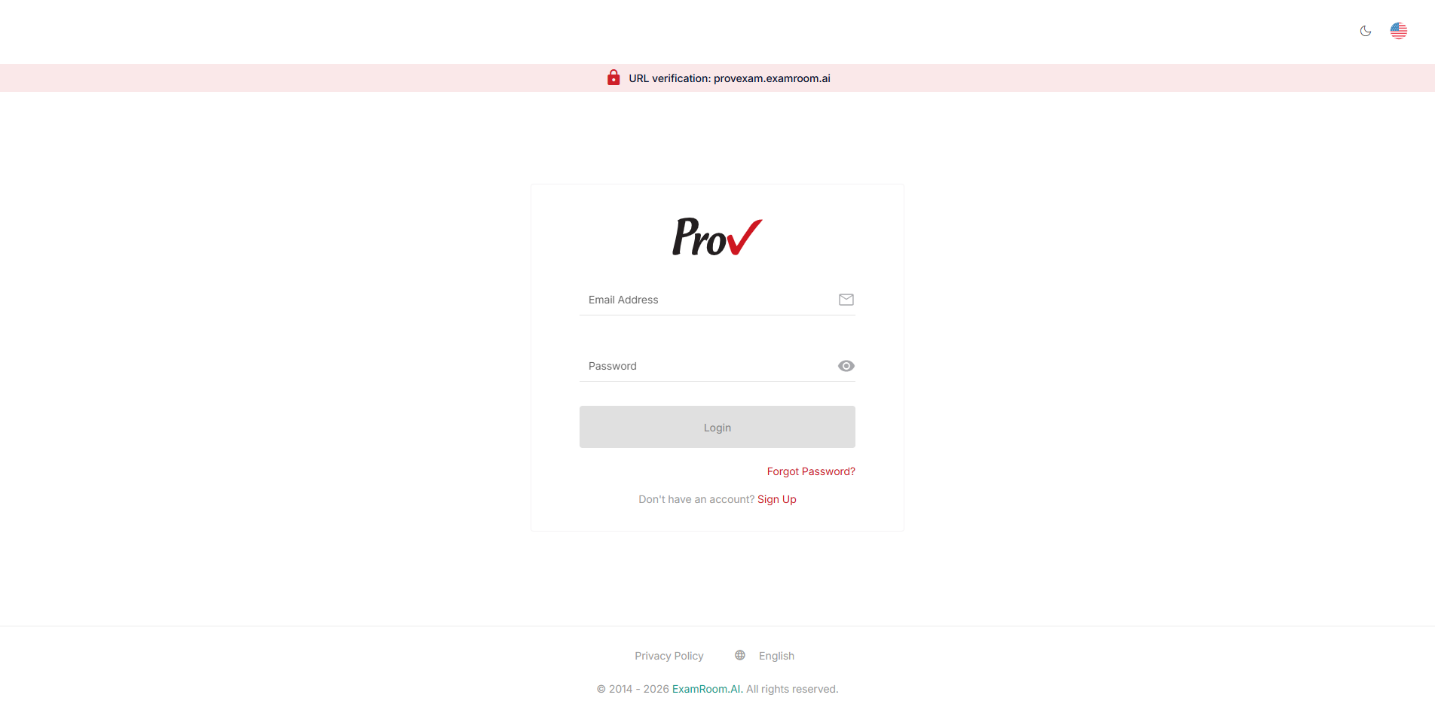
  • Visit provexam.examroom.ai/signin to log in to the Candidate Console.  
  • Enter your credentials (Email Address and Password) and click Login.  

     
    Note: To register for the exam, see: Register for Exam.

Was this article helpful?

Powered by Product Fruits